How to List Publications on Your LinkedIn Profile
 Kalaivani Ramprasad
Learn how to list publications on your LinkedIn profile to boost credibility, showcase expertise, and attract recruiters and connections.
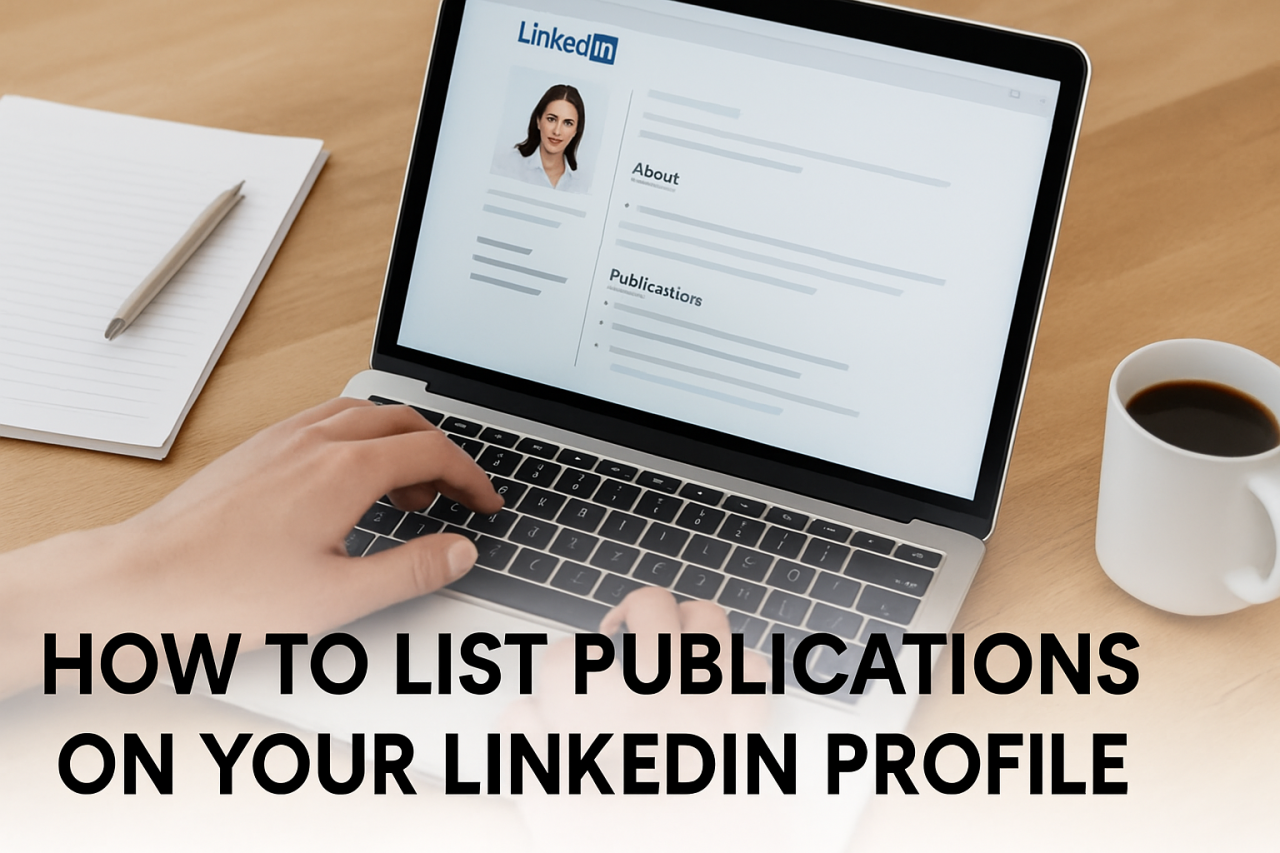
Table of Contents
- How To Add Publications To Your LinkedIn Profile
- Don’t Skip the Description
- Prioritize Relevant Publications That Showcase Expertise
- Use Industry-Specific Keywords for Better Visibility
- Regularly Update Your Publications Section
- Conclusion
The Publications section of your LinkedIn profile is more than just a list—it's a reflection of your expertise, interests, and credibility in your field. Whether you’ve authored research papers, journal articles, technical reports, or even industry blogs, this section helps position you as a thought leader in your profession.
For electrical engineers, this is a great place to feature work like:
- IEEE conference papers on power systems
- White papers on renewable energy integration
- Published project reports or internal technical documentation
- Thesis work or industry collaborations
Here’s how you can effectively add and optimize your publications on LinkedIn.
How To Add Publications To Your LinkedIn Profile (Desktop)
Step 1: Navigate to Your Profile
Click “Add profile section” → “Additional” → “Publications”
Step 2: Enter Key Details
Fill in the following for each publication:
- Title – e.g., Assessment of GIC Effects on Power Transformers
- Publisher – e.g., IEEE, Springer, Elsevier
- Date – Month and year of publication
- Description – A 2-3 line summary of the work’s focus and outcomes
- URL – Add a link to the article, conference page, or PDF (if publicly available)
Step 3: Optimize with Context
You can also link to your personal website, GitHub, or research portal where your work is stored. This builds credibility and increases visibility.
Step 4: Save and Display
Click “Save” to publish. These entries now become part of your LinkedIn profile’s professional narrative.
Don’t Skip the Description
Your title alone won’t explain your contribution. Use the description to:
- Clarify your role (e.g., first author, research contributor)
- Highlight real-world impact (e.g., used in utility planning studies)
- Include keywords like insulation coordination, ETAP simulation, grid compliance, etc.
This gives recruiters and peers context while enhancing search visibility.
Prioritize Relevant Publications That Showcase Expertise
Don’t list every college assignment or general blog post. Focus on:
- Technical articles in your domain
- Peer-reviewed research
- Project documentation that proves your technical skills
- High-engagement posts from platforms like LinkedIn, Medium, or industry blogs
Make it relevant to your current career goals.
Use Industry-Specific Keywords for Better Visibility
Using keywords such as:
- “Power system modeling”
- “Relay coordination”
- “PSCAD simulations”
- “Harmonic mitigation”
…helps LinkedIn’s search engine associate your work with current industry needs.
Pro tip: Don’t stuff keywords—just include them naturally in your description and titles.
Regularly Update Your Publications Section
Make it a habit to add:
- Recent research
- Conference presentations
- Guest posts or blog features
This shows recruiters and collaborators that you're actively growing, publishing, and staying engaged in your domain—whether it’s in transmission planning, renewables, or protection studies.
Conclusion
The LinkedIn Publications section is an underused asset that can greatly enhance your credibility—especially in technical fields like electrical engineering. It’s your chance to show—not just tell—what you know and how you contribute to your field.
Need help optimizing your LinkedIn profile?
ATVM Workforce Solution provides free LinkedIn review and resume support tailored for engineers in the power sector.
Reach out to our team, and let’s make your profile stand out.
Kalaivani Ramprasad
ATVM Workforce
Categories: : LinkedIn